Overview
Browsers taught everyone how tabs work. Then we all went back to the rest of our apps and lived with a desktop full of overlapping windows. (Two Finder windows, a few notes, Mail and a terminal, all fighting for the same screen.) macOS has window tabs of its own, but only in apps that support them, and never across different apps. We wanted the tab bar everyone already knows, for every window on the Mac.
Strategy
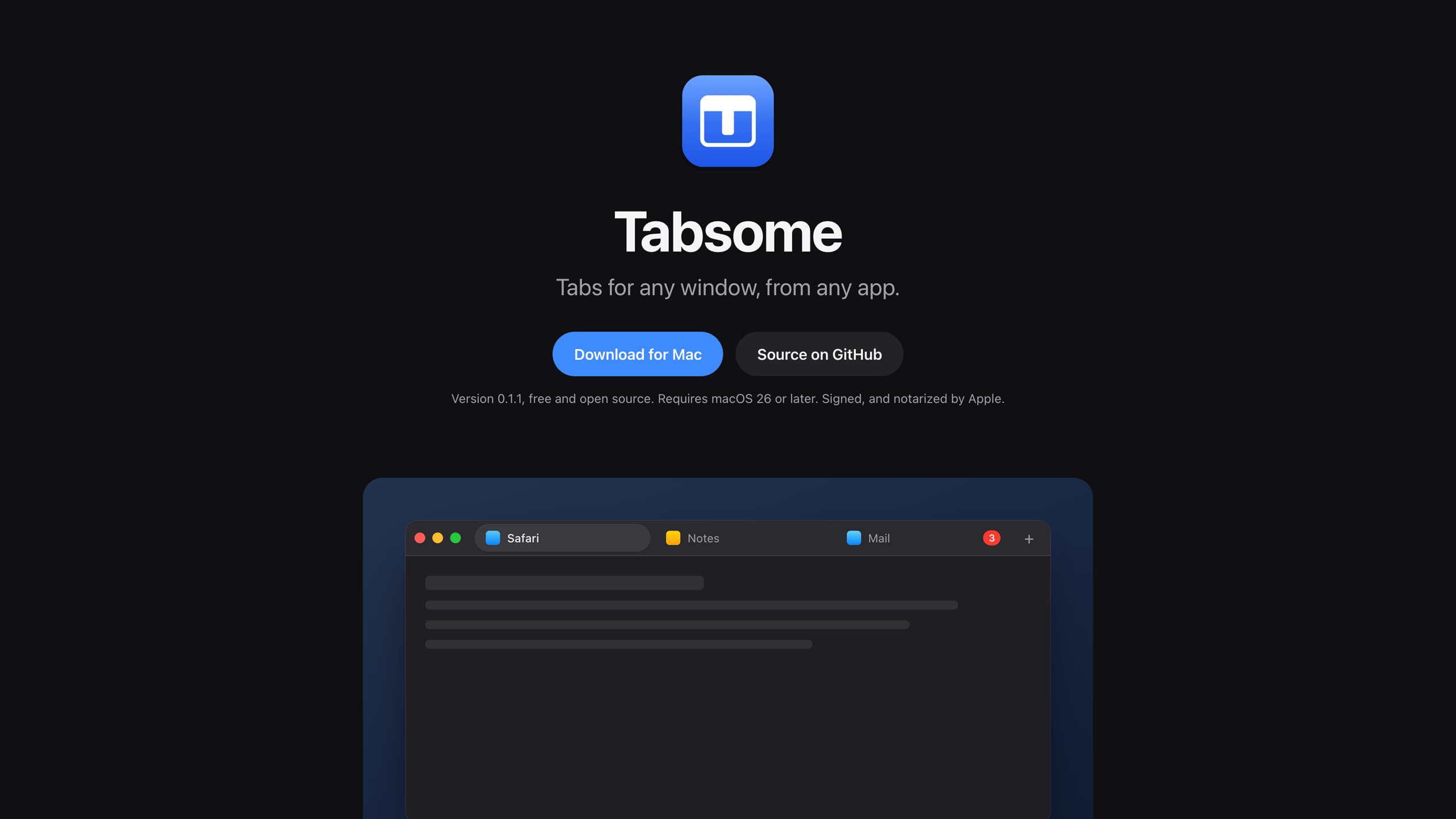
Tabsome is built around one gesture. Drag a window over the middle of another one, pause for a moment, and let go. The two windows become tabs of a single window, whether they come from the same app or two completely different ones. After that, everything works the way you’d expect—click to switch, drag to reorder, drag a tab out to give it its own window again. If you know Safari or Chrome, you already know Tabsome.
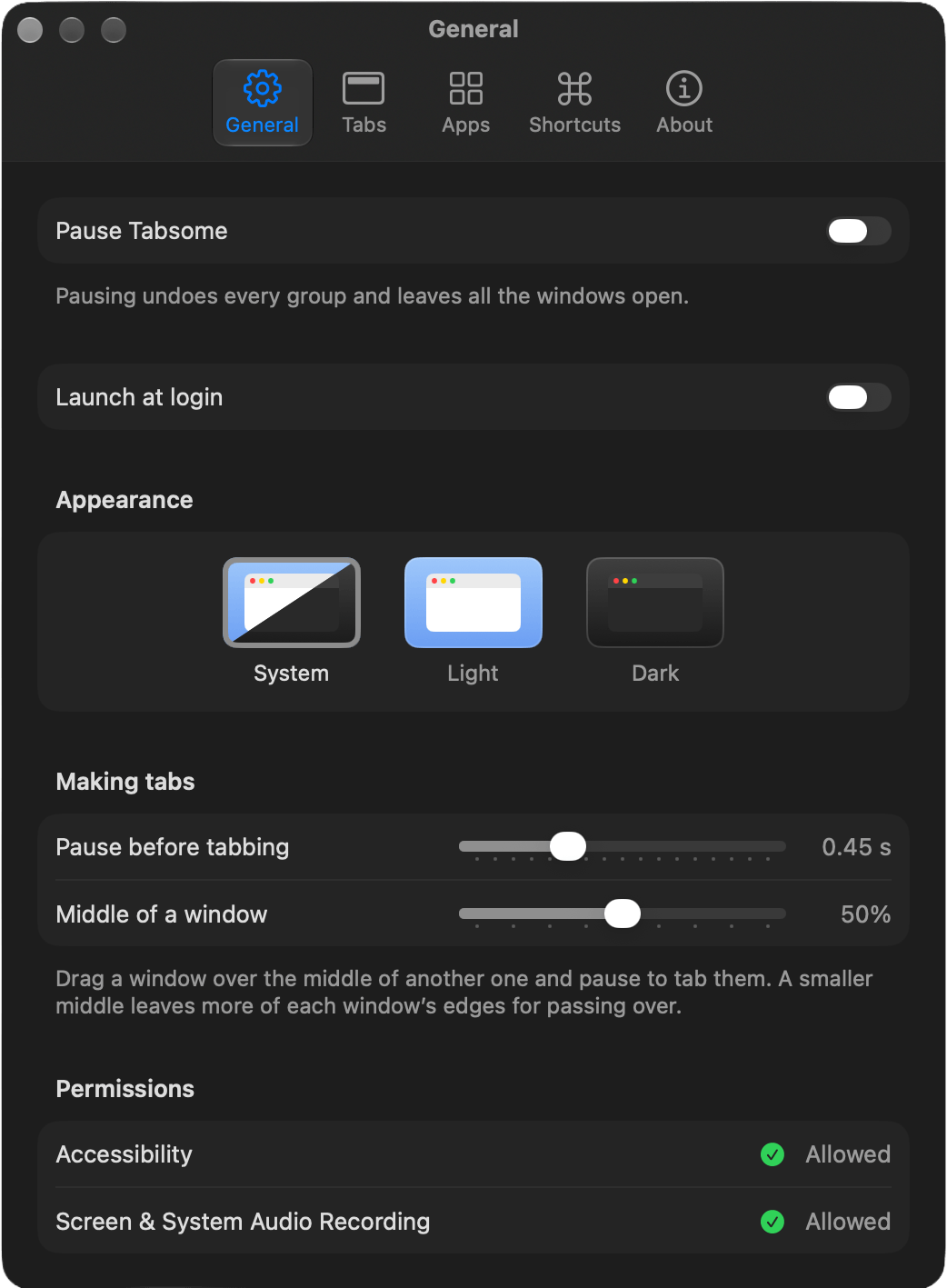
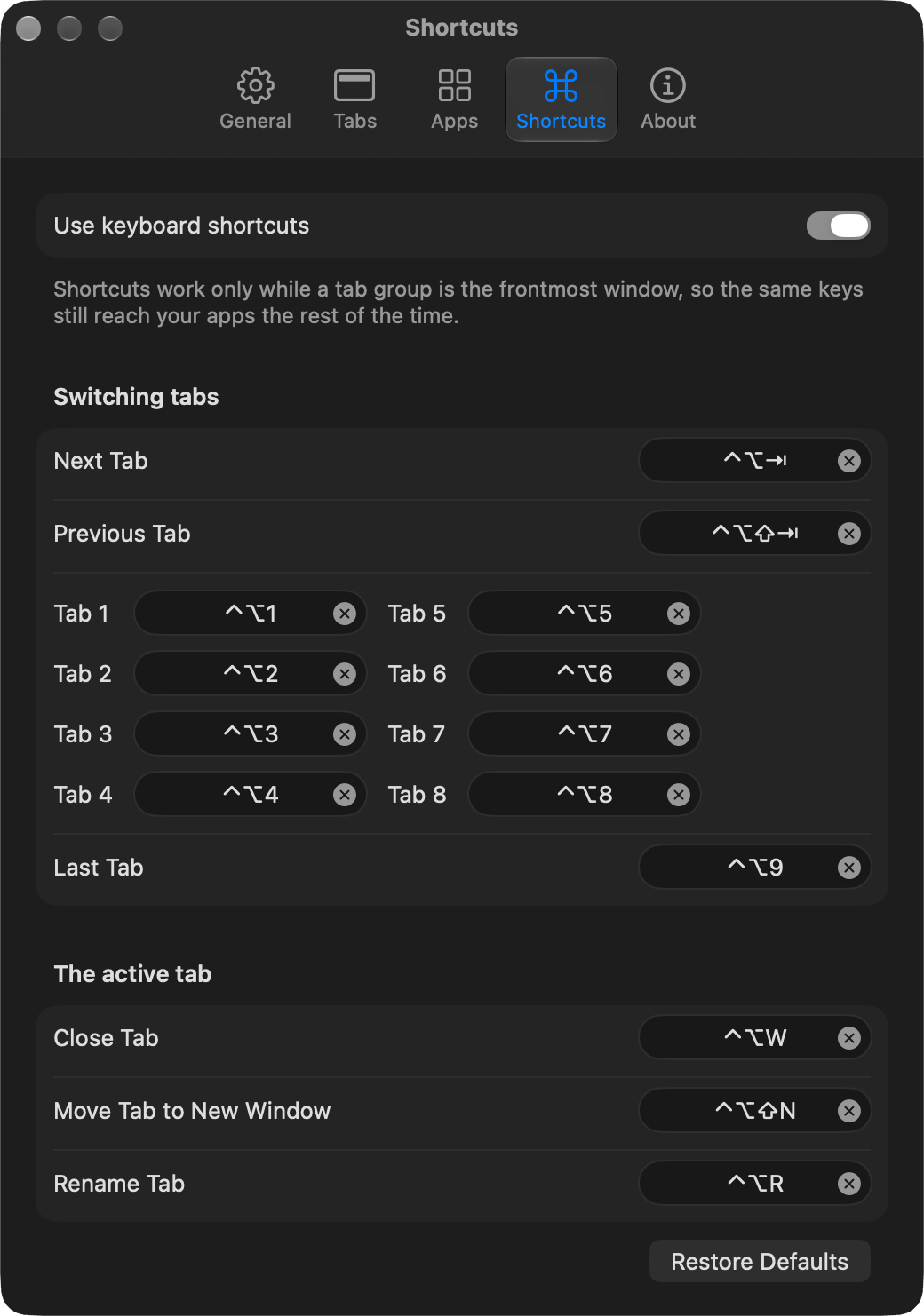
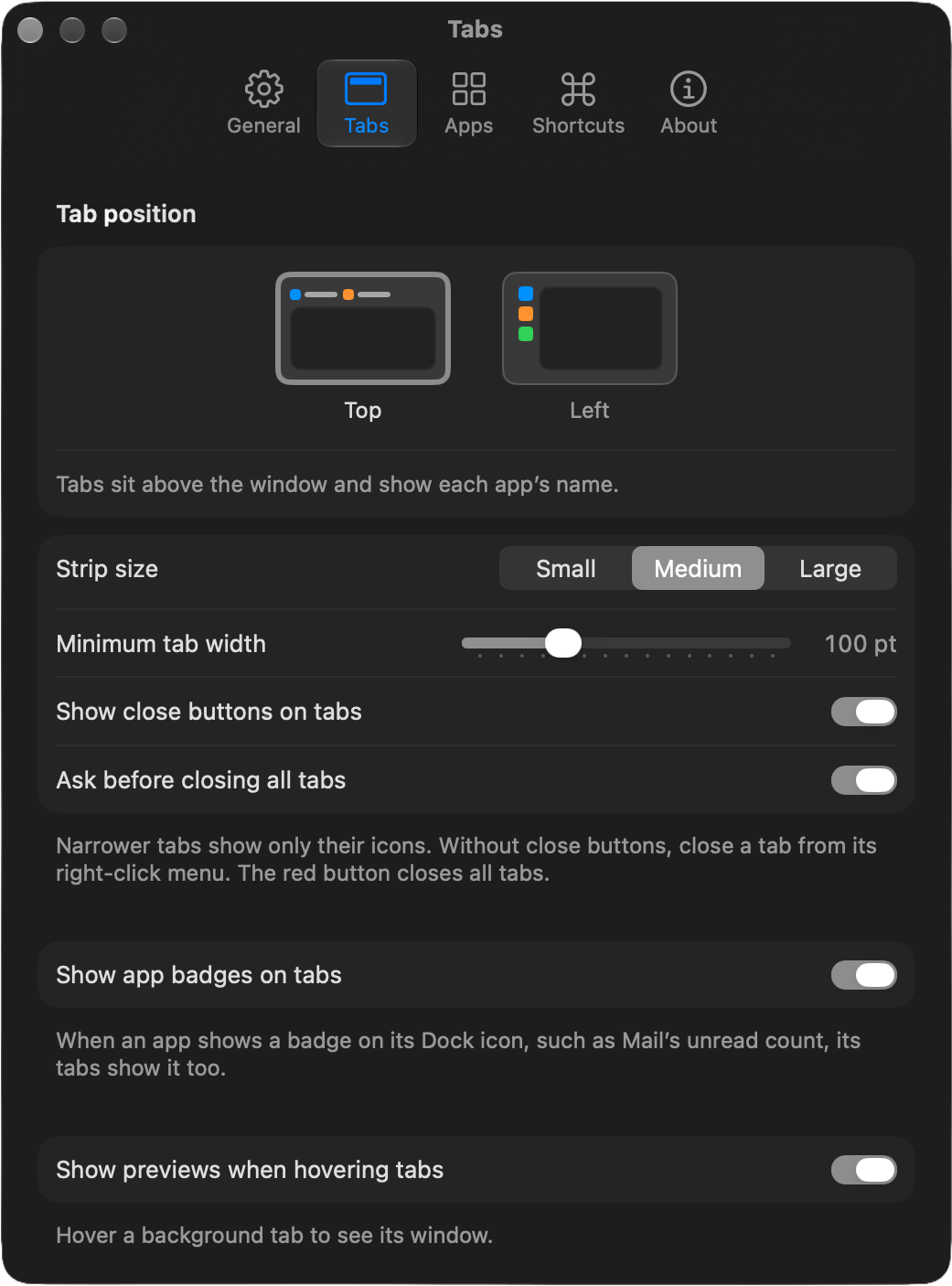
The settings follow the same idea: give people control without making them think about it. Tabs can sit along the top with app names, or down the left side as icons, in three sizes. Hovering a background tab shows a preview of its window, and unread badges from the Dock carry over to their tabs. Keyboard shortcuts mirror the browser layout, with ⌃⌥ standing in for ⌘, and only work while a tabbed window is in front, so the same keys still reach your apps everywhere else.
Trust was just as important. Tabsome needs Accessibility access to move windows around, and that’s a powerful permission, so it uses as little of it as possible. It reads a window’s position, size and title, never what’s inside it. It doesn’t watch your typing, it never touches password managers or Keychain dialogs, and the only network request it makes is the update check. Quitting Tabsome closes nothing—every tab simply goes back to being its own window.
Success
Tabsome launched as a free, open source app for macOS 26 and later, signed and notarized by Apple, with every line of code available on GitHub under the Apache 2.0 license. It lives quietly in the menu bar, keeps itself up to date, and turns a cluttered desktop into something a lot more manageable. It’s a small tool that solves a problem everyone has, and there’s only one gesture to learn.